Comparison · as of October 2026
Pest control software for small business: an honest comparison
Most pest control software is built for companies with dozens of trucks and an office team. If you run a crew of 1 to 15 technicians, this page compares what the main tools offer for scheduling, routing and billing, with prices taken from their own pricing pages on October 7, 2026, and says plainly when a vendor publishes no price.
Updated October 7, 2026 · for pest control businesses with 1 to 15 technicians
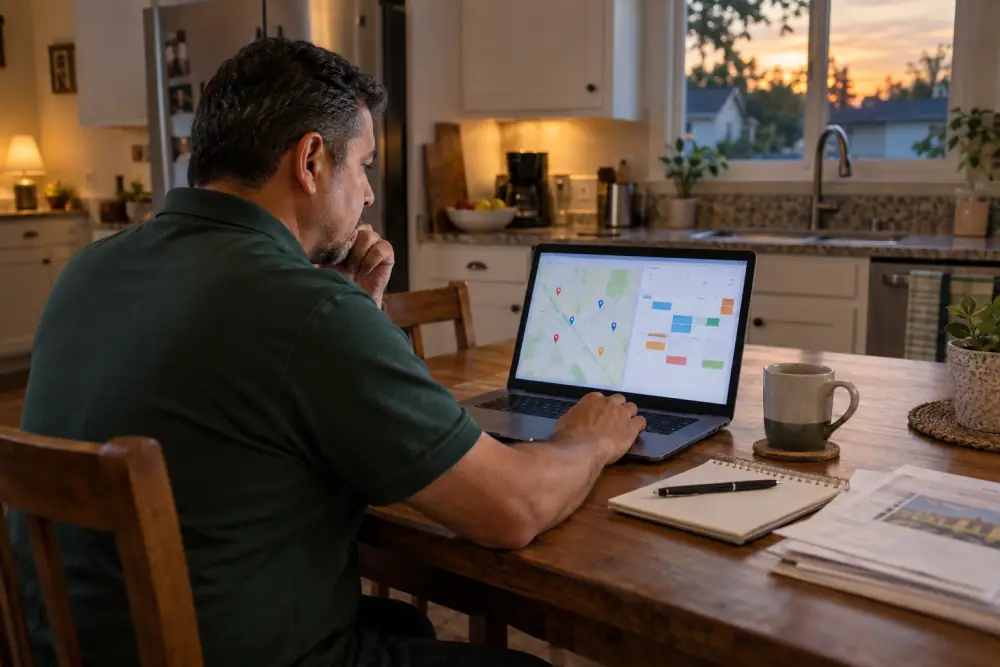
What a small pest control business needs from software
- Scheduling with recurring services: monthly, bi-monthly and quarterly plans that land on the calendar on their own.
- Routing: each technician's day in driving order, so you fit more stops in.
- Service reports and application records: what was found, what was applied, with EPA registration numbers, for the customer and for the state.
- Billing: invoices sent after each visit, online payment, recurring plans on autopay.
- A mobile side technicians actually use: if they do not fill it in on site, nothing else works.
Everything else (marketing, door-to-door sales tools, multi-branch reporting) matters more as you grow. Start from these five and check them during a free trial.
Pest control software compared
Entry plans and the features each vendor lists for them, from their public pricing pages on October 7, 2026, in US dollars. "Quote only" means the vendor does not publish a price. Click a tool to check the current offer.
| Software | Entry price | Listed on the entry plan | Built for |
|---|---|---|---|
| GorillaDesk | Basic $49/month per route ($539 billed yearly); Pro $99/month | Unlimited admin users and mobile devices, invoices, estimates and work orders, built-in reports | Pest control and lawn care |
| Jobber | Core $29/month billed annually, $49/month with no commitment, 1 user | Online booking and scheduling, quotes, invoices and online payments | All home-service trades |
| Housecall Pro | Basic $59/month billed annually, $79 billed monthly, 1 user | Online booking, scheduling and dispatching, invoices and payments, review management | Home-service trades |
| Pocomos | Starter $99/month for up to 20 active customers; $159 for 21 to 50 | Price set by the number of active customers | Pest control |
| PestPac | Quote only (Small Business plan) | Customer management, basic scheduling and routing, mobile app | Pest control, small to enterprise |
| FieldRoutes | Quote only, based on the number of active customers | Growth plan for pest and lawn companies | Pest and lawn (formerly PestRoutes) |
| Briostack | Quote only (demo on request) | No public plan details | Pest control and lawn care |
| Pest Crew App (planned) | $39/month for the business, $19.50 for founding members | AI service reports from a voice note, application records, invoices on the spot, recurring routes | Pest control crews of 1 to 15 |
Prices, limits and features taken from each vendor's public pricing page or website on October 7, 2026, and may have changed since; plans often include more than listed here. Product names belong to their owners and are used for identification only; this page is not affiliated with or endorsed by any of them. Pest Crew App is not available yet: its row describes what we are building.
Pest control scheduling software: what to check
- Recurring frequencies: monthly, every other month and quarterly services, with seasonal programs (mosquito, termite renewals) if you sell them.
- Route view: stops in driving order with travel time, and moving a stop from one technician to another without rebuilding the day.
- Customer reminders: a text or email before the visit, so gates are open and pets are inside.
- Callbacks: booking a re-service between visits in two clicks, and seeing how many each customer needs.
Pest control billing software: what to check
- Invoice after each visit or monthly billing for plans, from the same customer record.
- Online payments and card on file for autopay on recurring plans.
- Accounting sync: many small businesses keep QuickBooks; check whether the tool connects to yours.
- Fees: payment processing rates, and whether text messages or extra users cost more.
Need something today? Our free pest control invoice template works in Excel or Google Sheets.
How to choose pest control software for a small business
Count what drives the price
Routes, users, technicians or active customers: each vendor counts differently. Work out your number for each model before you compare.
Ask for a written quote
For quote-only tools, ask for the full monthly price for your size, setup and training fees, and the contract length.
Test the technician side
Have a technician run a real day on the mobile app during the trial: report, products, photos, signature.
Check your records
Make sure the tool stores the application fields your state asks for and can export them by date range.
Check how you leave
Confirm you can export customers, history and records. It keeps your options open.
Where Pest Crew App fits
We are building Pest Crew App for small crews that still write reports on paper or in a spreadsheet, or spend their evenings typing up the day. What is planned:
- AI service reports: from a voice note or a few words, in a clear structure, approved by you before sending.
- Application records: products, EPA registration numbers, rates and amounts logged from each report, exported by date range.
- Report and invoice on the spot: sent to the customer by email or text, with a link to pay.
- Recurring routes and reminders: monthly, bi-monthly and quarterly services in driving order.
- One flat price: $39/month for the business, not per technician; founding members keep 50 % off for life.
It is not available yet, and it will not have every feature of the established tools above on day one. If the report and the paperwork after each stop are what slow you down, join the early access list and tell us what you need.
Questions, answered
What is the best pest control software for a small business?
It depends on what slows you down. GorillaDesk publishes a per-route price aimed at small pest and lawn companies; Jobber and Housecall Pro cover several trades; PestPac and FieldRoutes are full platforms priced on quote. List the five jobs the software must do for you and test them during a trial.
Is there free pest control software?
None of the pest control tools compared here has a free plan on its pricing page as of October 2026; several offer a free trial or demo. Our free templates for service reports, invoices and application records can cover the basics until you choose.
Why do PestPac and FieldRoutes not show prices?
They sell on quote, usually after a demo, and price on your size (FieldRoutes says it counts active customers). Ask for the full monthly price, setup fees and contract length in writing.
How is Pest Crew App different?
It is in development and focuses on the paperwork after each stop: a service report written from a voice note, the application record filled from it, and the invoice sent on the spot, for one flat price per business. If your current software works for you, keep it.
Keep reading
More free resources
Pest control service report template
A free pest control service report and inspection report template for Excel, Google Sheets or print, what to write in each field, and a filled example.
Download the free templatePest control invoice template
A free pest control invoice template for Excel, Google Sheets or print, with line items for initial, recurring and callback services, and how to get paid faster.
Download the free templatePesticide application record sheet
A free pesticide application record sheet for spreadsheets or print, the fields most states ask for, and a filled example. Check your state's requirements.
Download the free record sheetMissing a simple tool for reports, records and invoices?
Join the Pest Crew App early access list: AI service reports, application records and invoices for one flat price, and 50 % off for life for founding members.